01
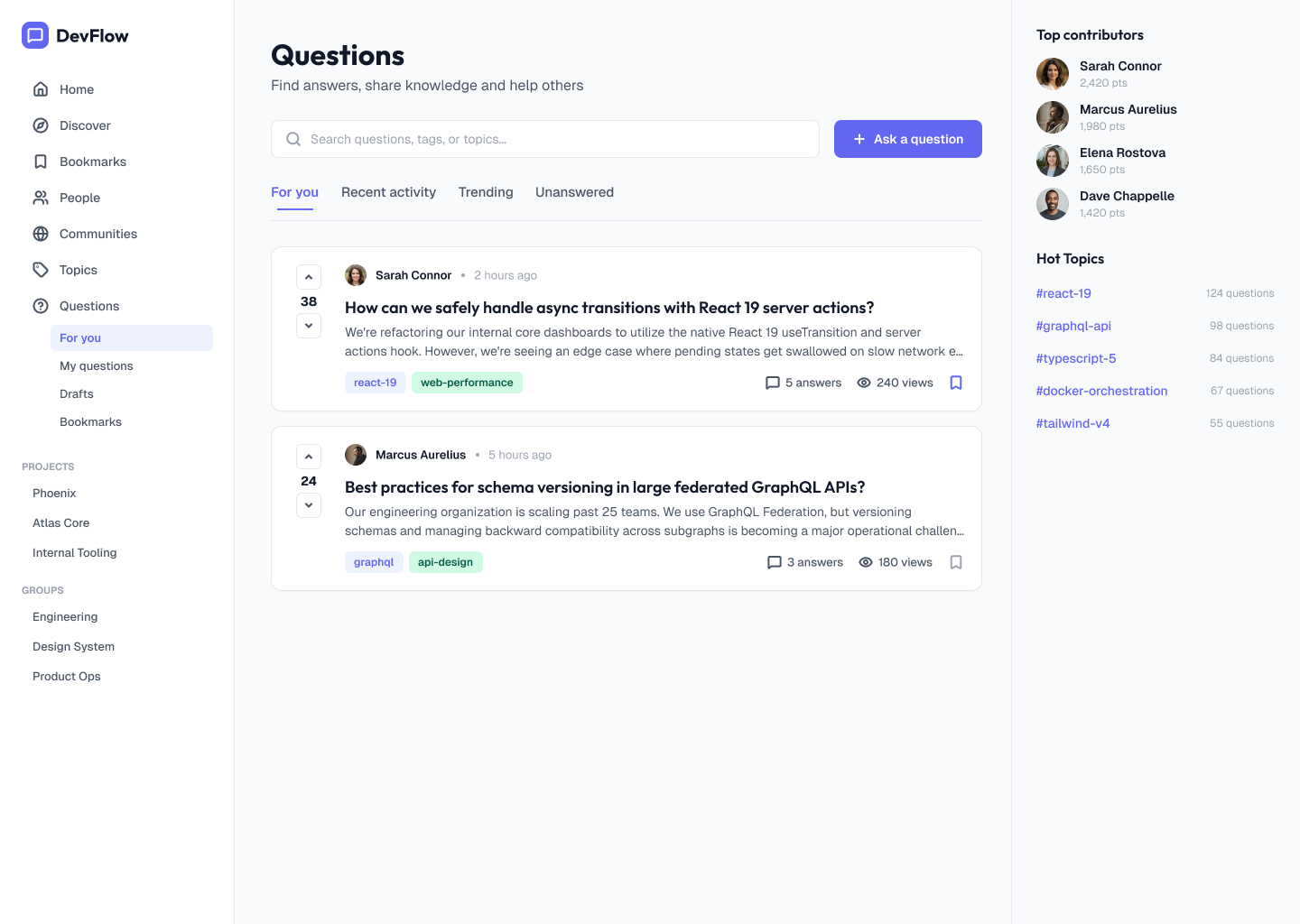
DevFlow feed
Search, filters, voting, answer counts, contributors and topic discovery in one place.
ENTERPRISE · INTERNAL TOOLS
I led the end-to-end design of DevFlow — a new feature that enabled employees to ask, answer, discover and manage questions within Apple’s internal collaboration platform.
MY ROLE
I was the sole product designer on DevFlow, leading the feature from initial requirements and user research through information architecture, interaction design, prototyping, testing and final UI.
I worked closely with the Product Manager, users and wider stakeholders throughout the process, while owning the product design direction and execution.
THE CHALLENGE
DevFlow needed to replace an established way of sharing knowledge while becoming part of a much larger collaboration ecosystem.
Users coming from Stack Overflow already understood core behaviours, but the experience needed to feel native to Apple’s internal platform and support different levels of participation and responsibility.
One feature. Multiple ways of participating.
→
→
→
→
→
PRODUCT ARCHITECTURE
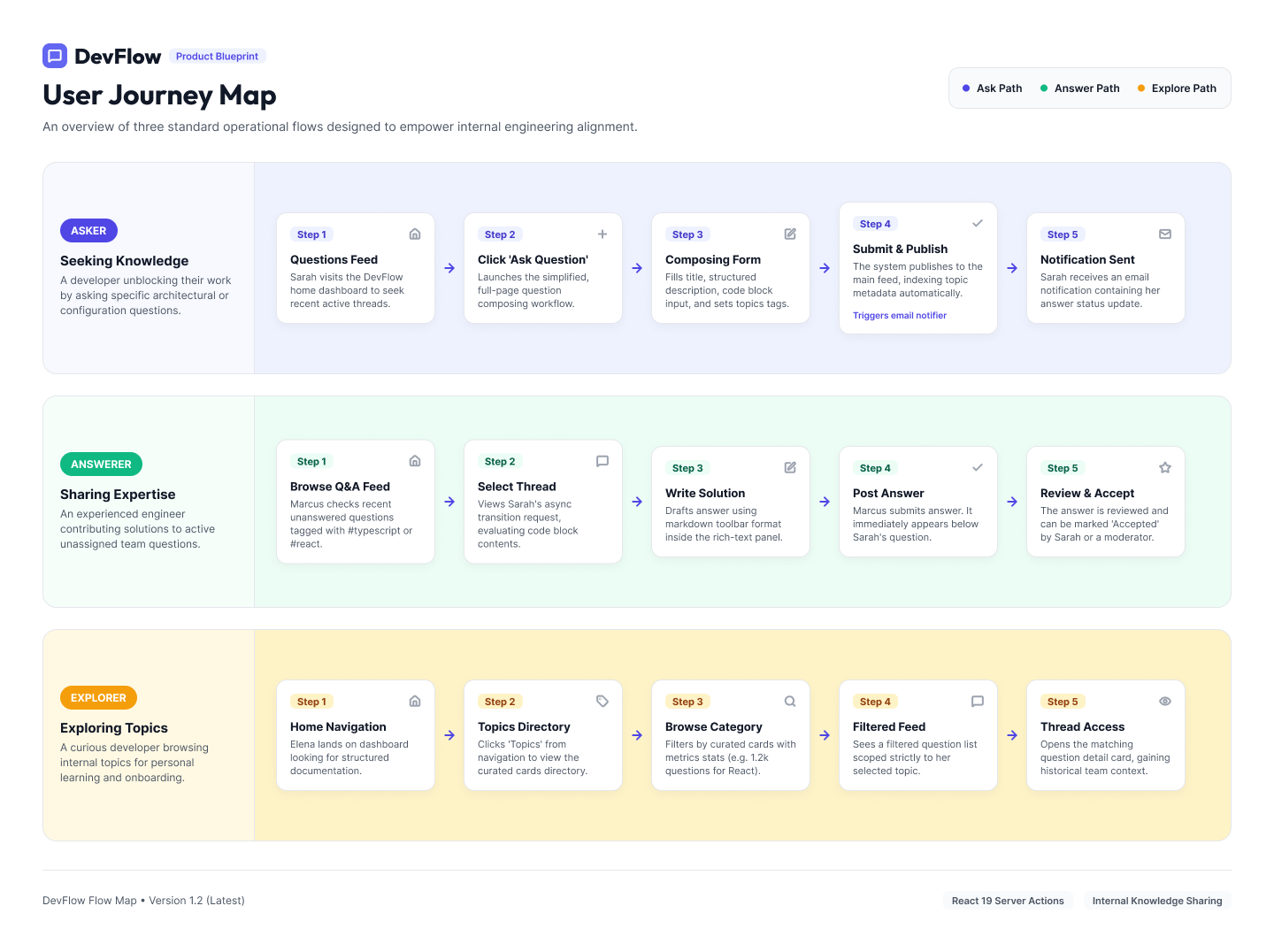
I mapped the primary asker, answerer and explorer journeys to make the relationships between discovery, contribution and knowledge management explicit before moving into UI.
CORE PRODUCT EXPERIENCE
The core experience supports discovery, asking, duplicate prevention, detailed answers, topic browsing and contribution.
01
Search, filters, voting, answer counts, contributors and topic discovery in one place.
02
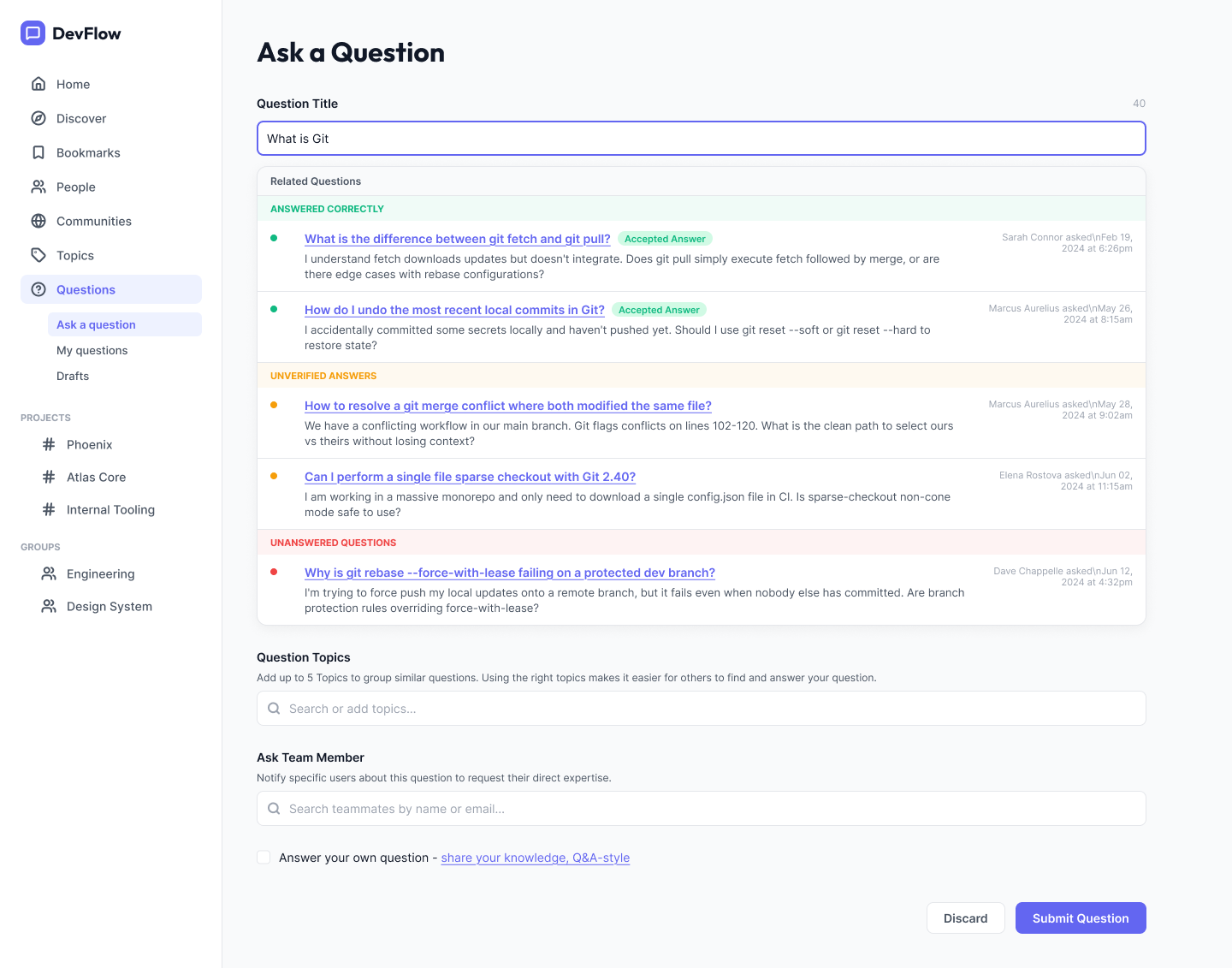
Related questions surface while users type, reducing duplication and directing people to existing knowledge.
03
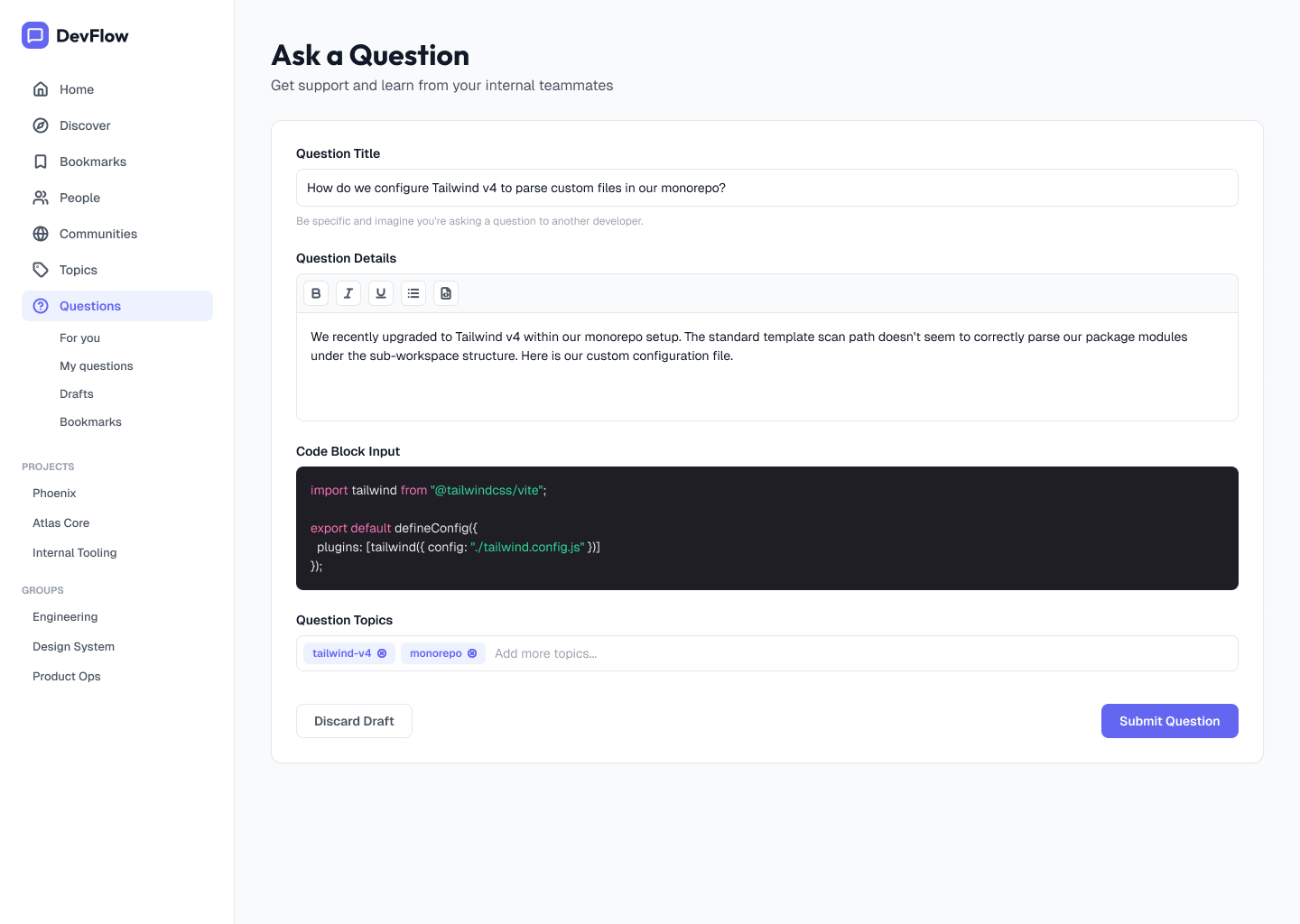
A structured flow for title, context, code, topics and submission.
04
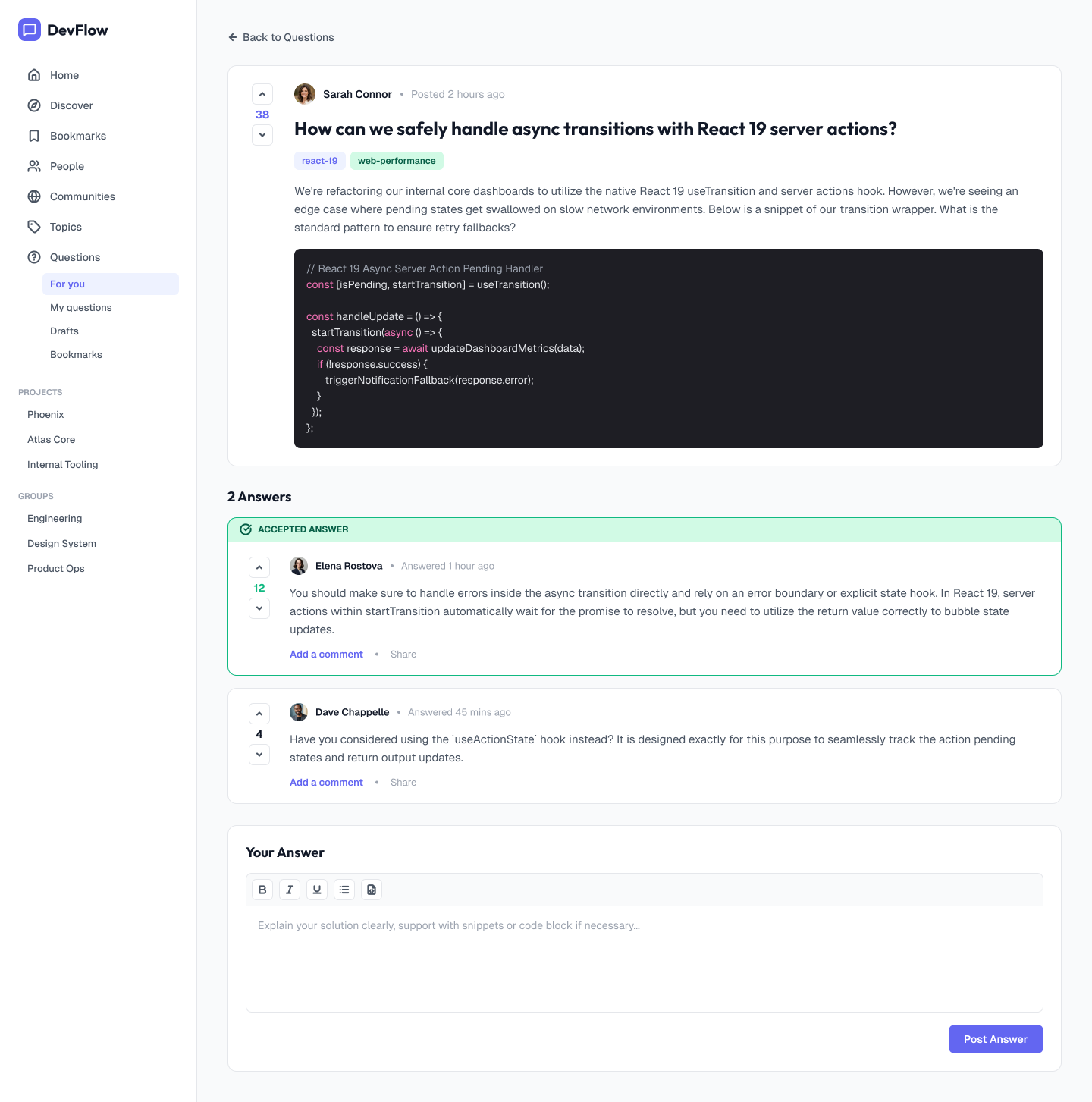
Rich question context, code, voting, accepted answers and a clear path to contribute.
05
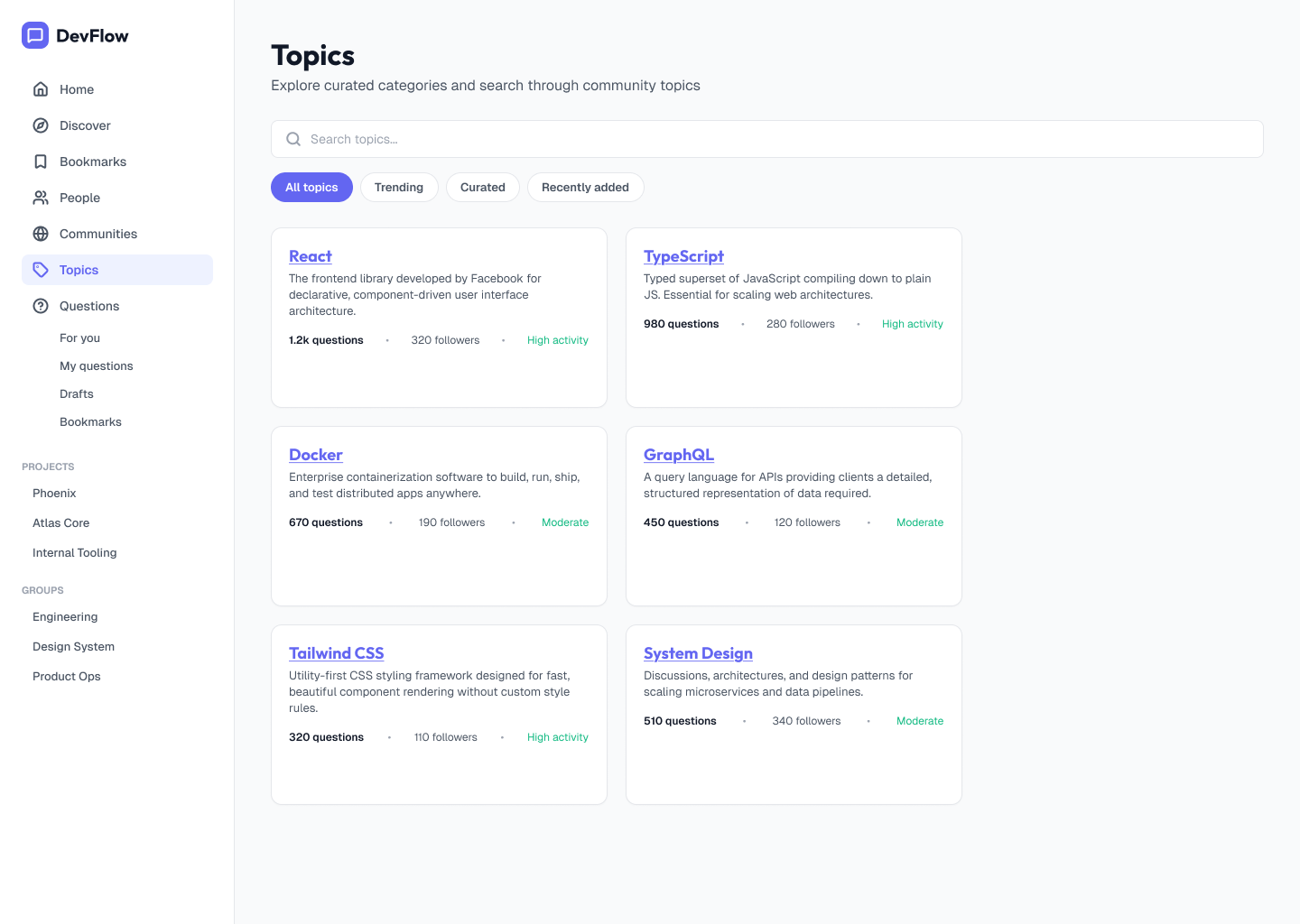
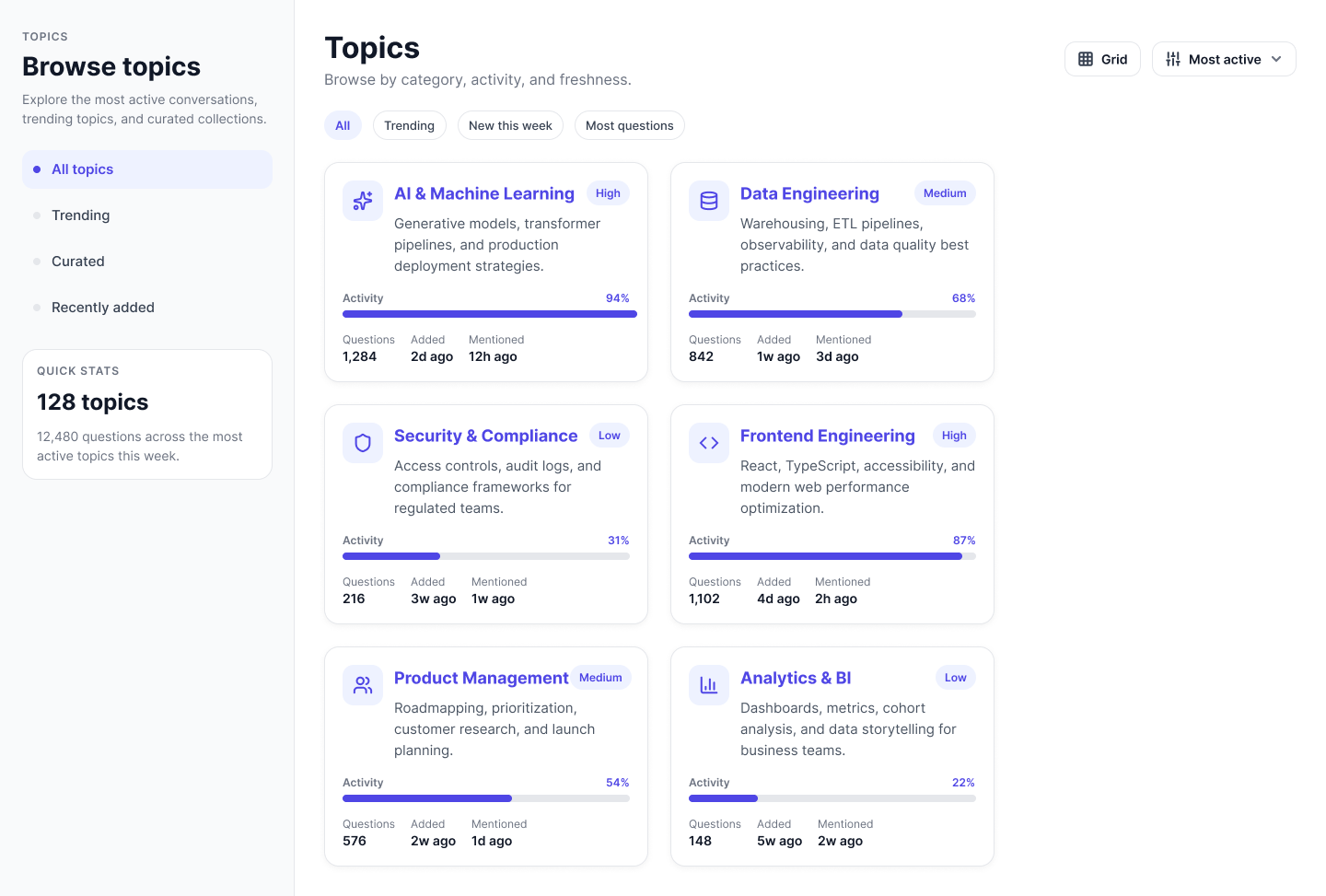
Topic cards help people browse knowledge by subject, activity and relevance.
06
Activity, volume and freshness give users more context before entering a topic.
SYSTEM IN PRACTICE
I explored different information densities, specialist workflows and supporting touchpoints to make the system work beyond the primary feed.
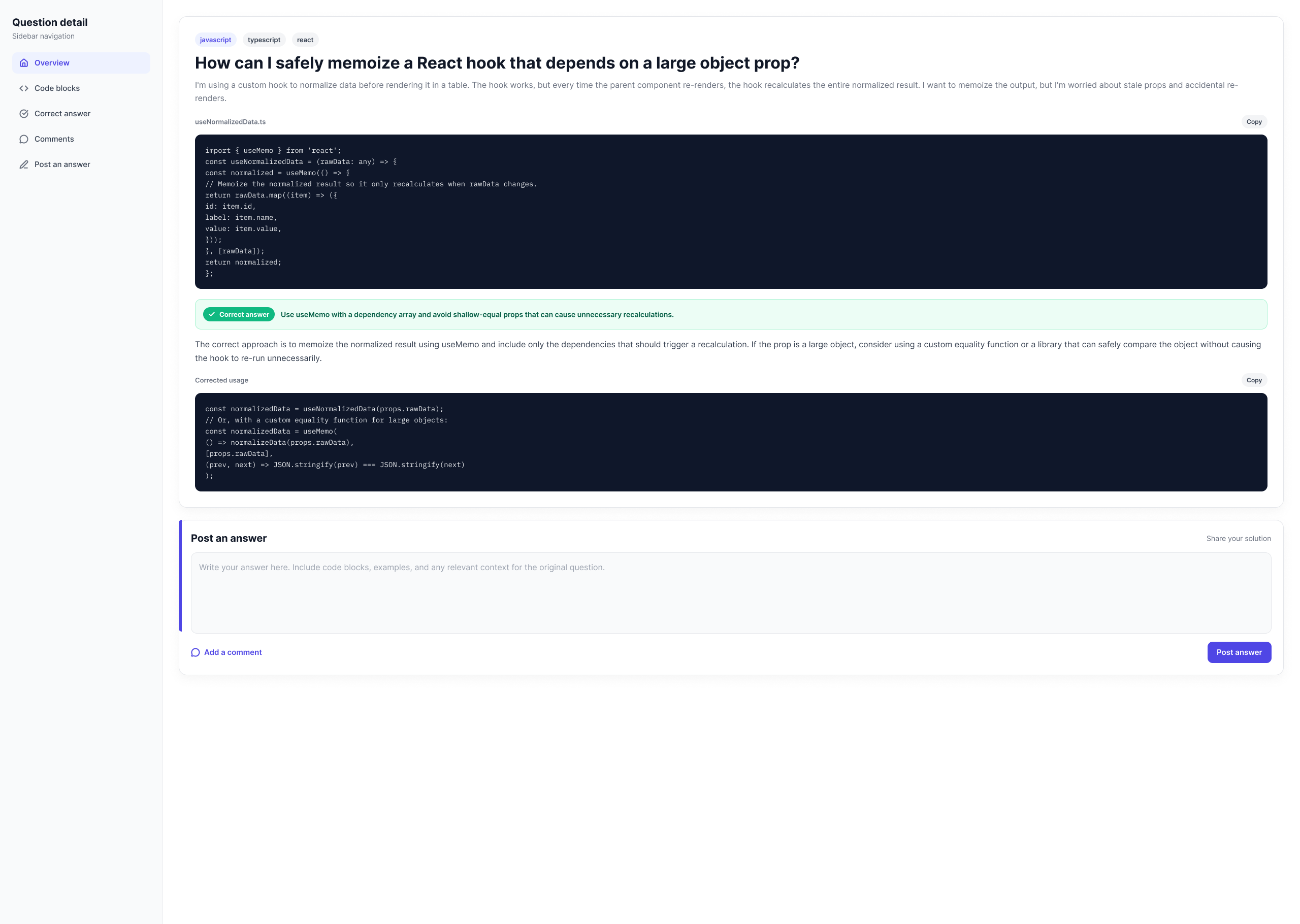
07
An alternative detail treatment for technical questions with large code blocks.
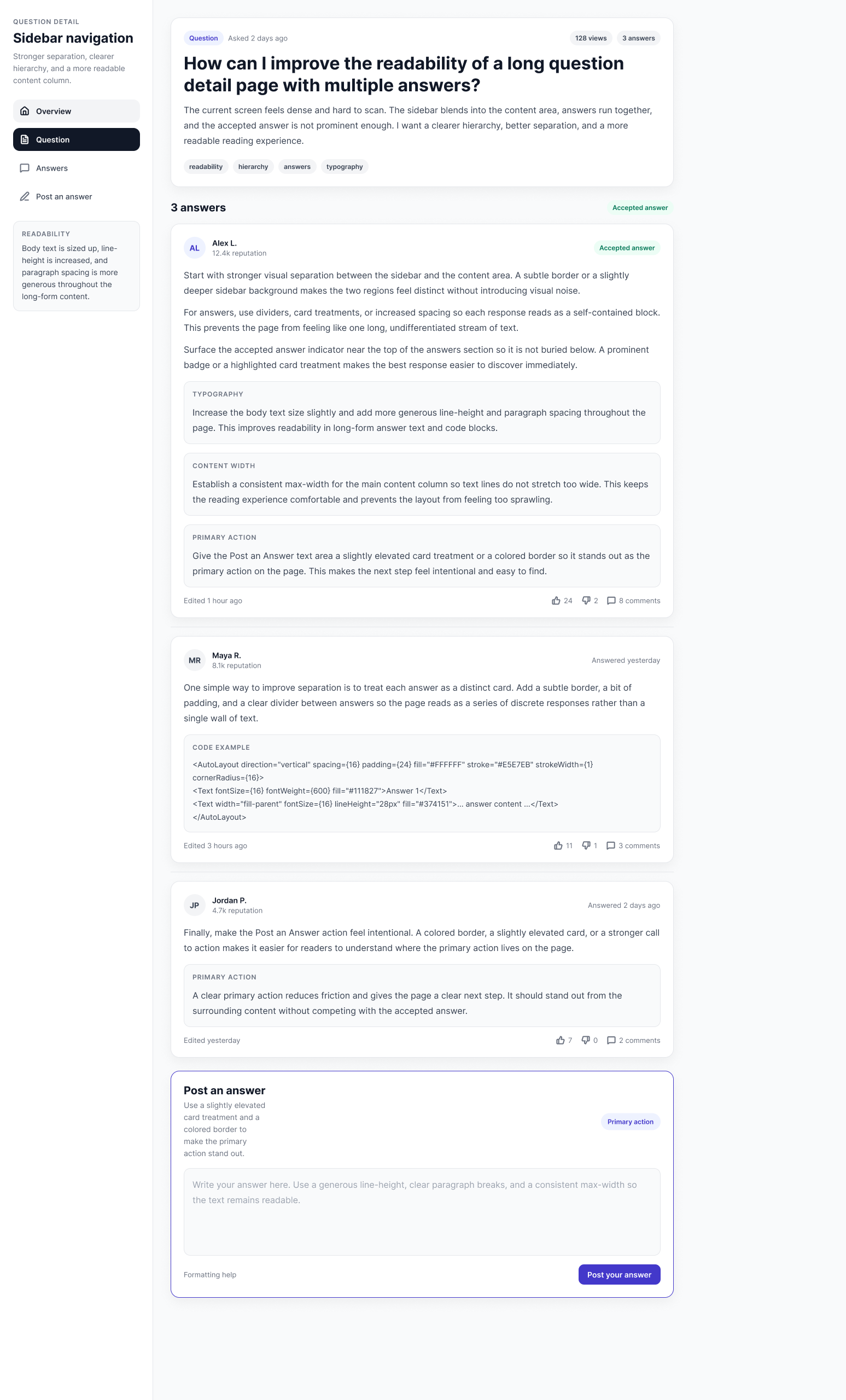
08
Exploring hierarchy and separation when questions attract multiple substantial answers.
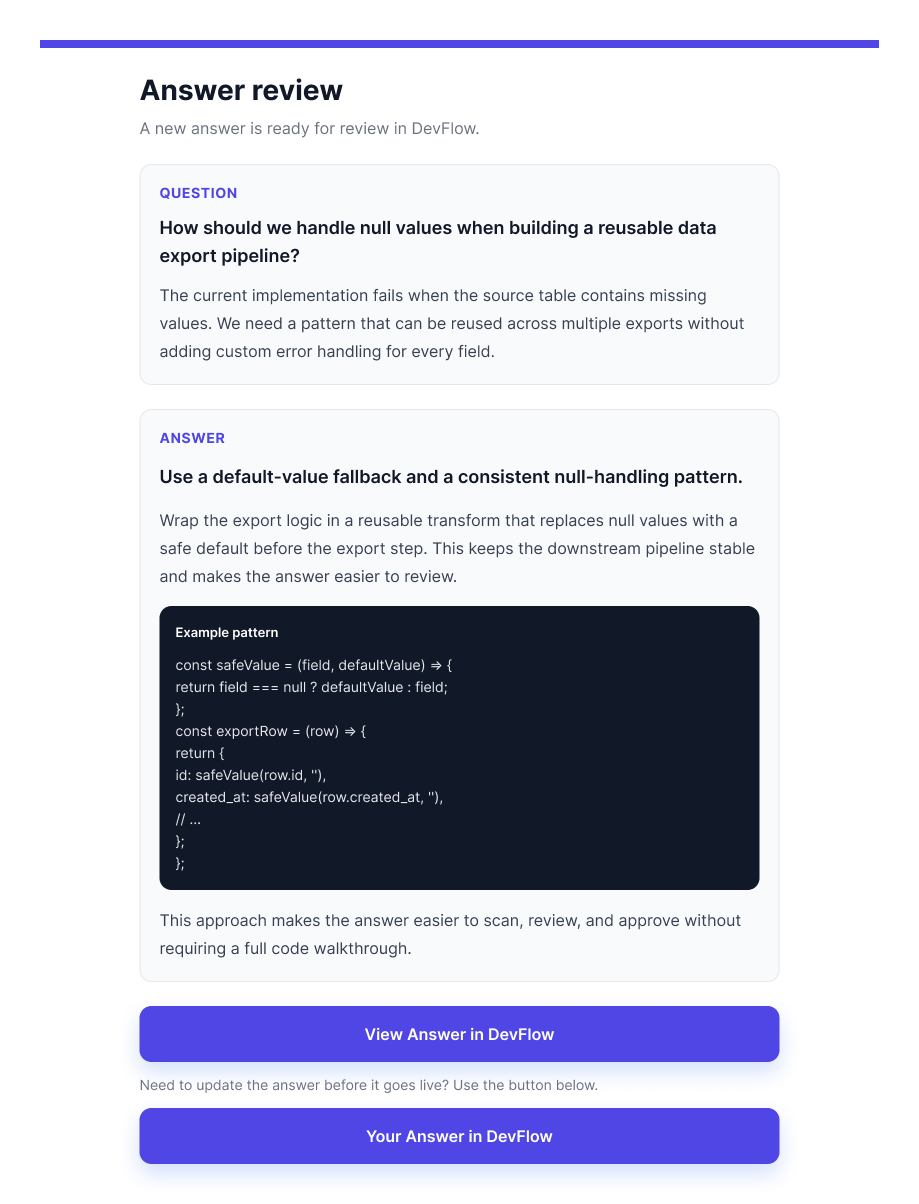
09
Extending the workflow beyond the product and bringing users back into the right context.
10
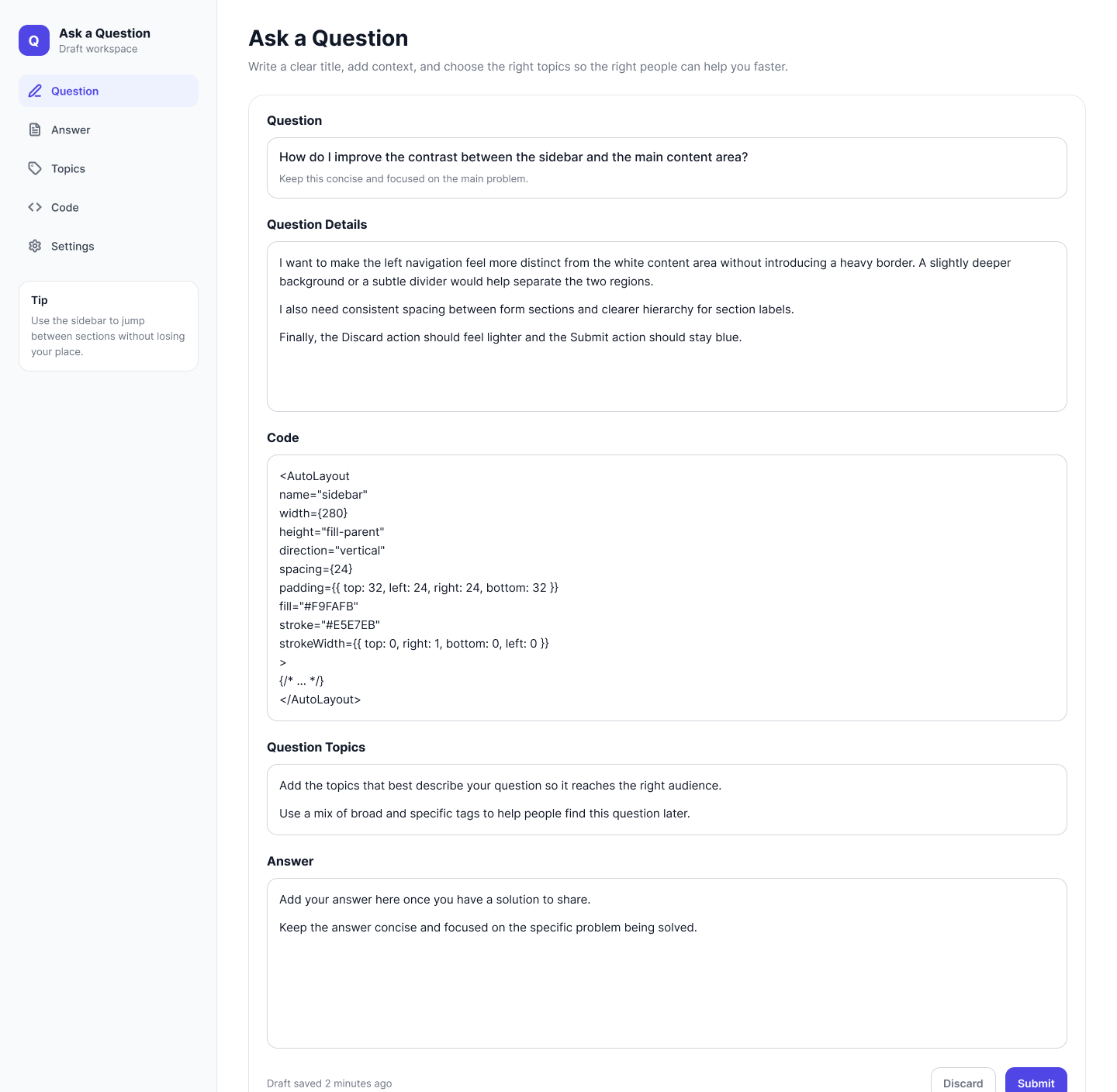
A more guided composition model separating question, answer, topics, code and settings.
11
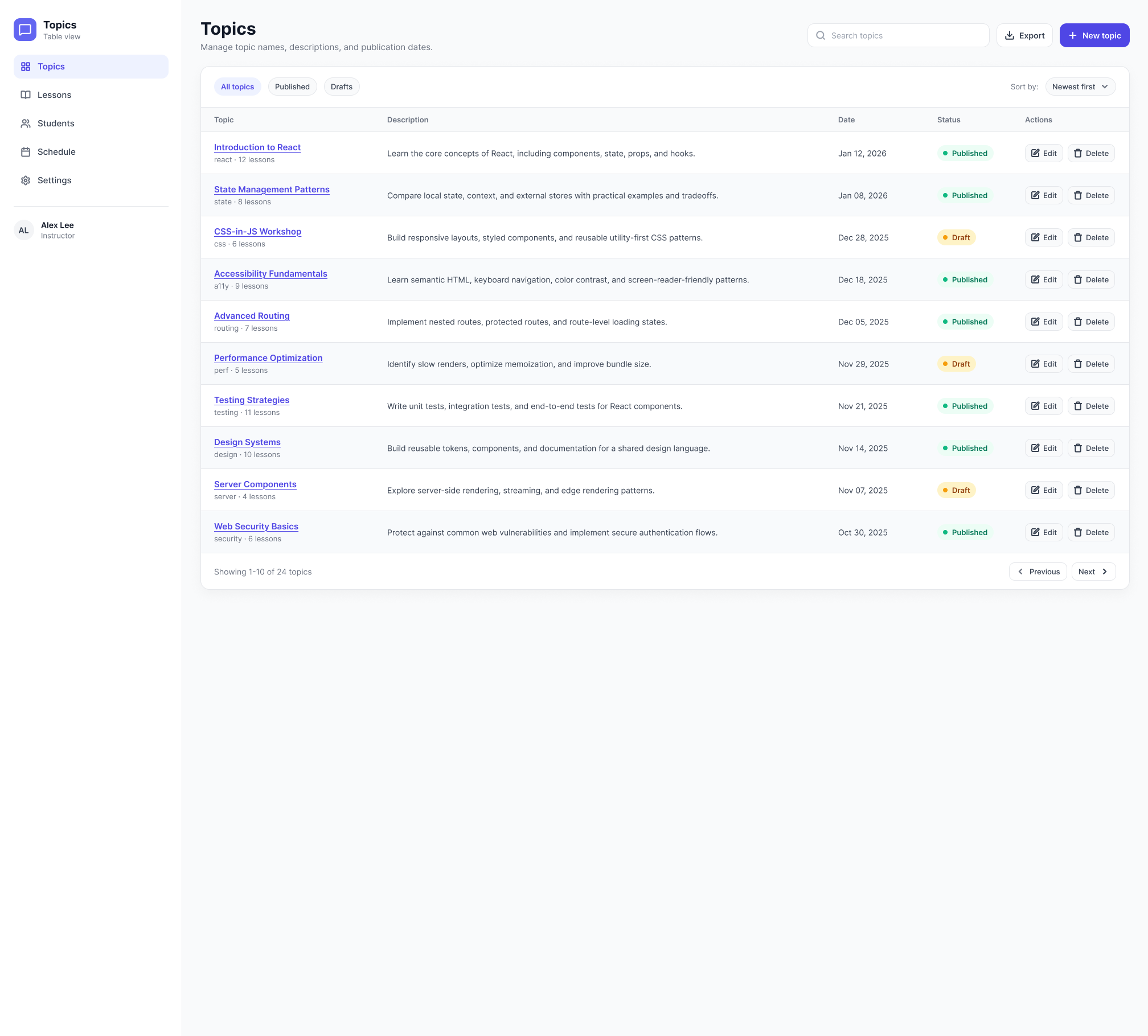
A table-based admin view for managing topic content, status and actions.
12
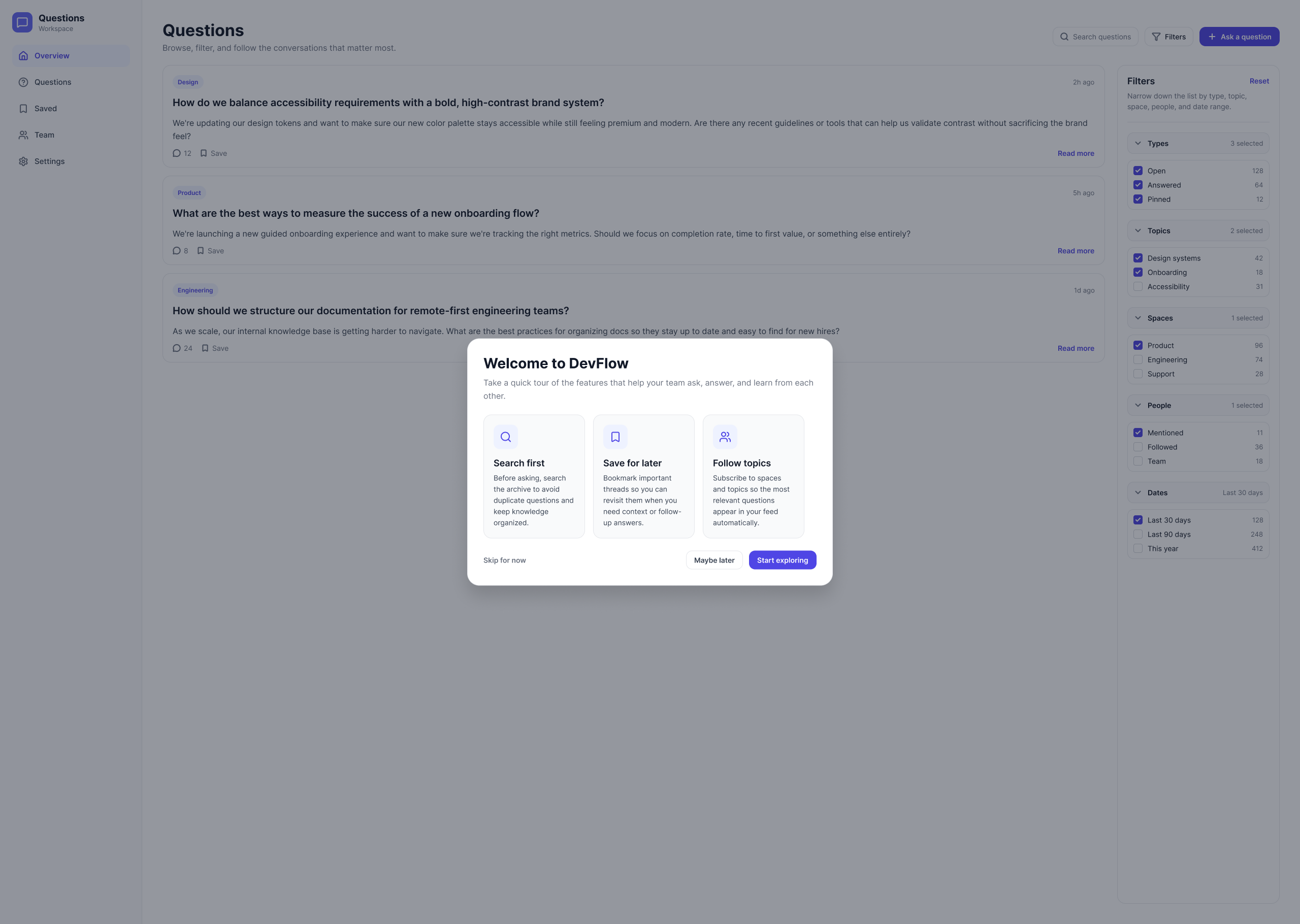
A lightweight introduction to search-first behaviour, saved content and topic following.
DESIGN SYSTEM
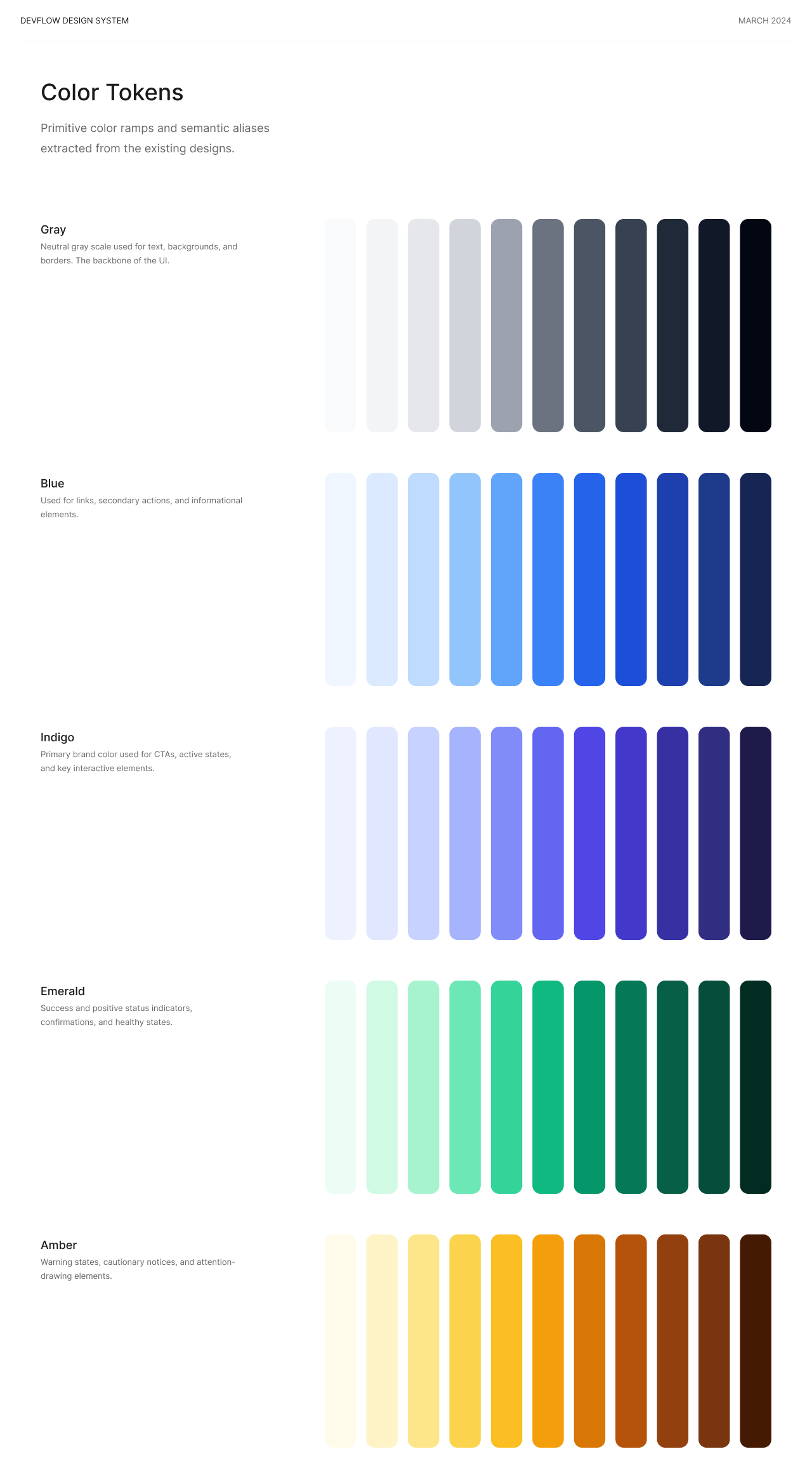
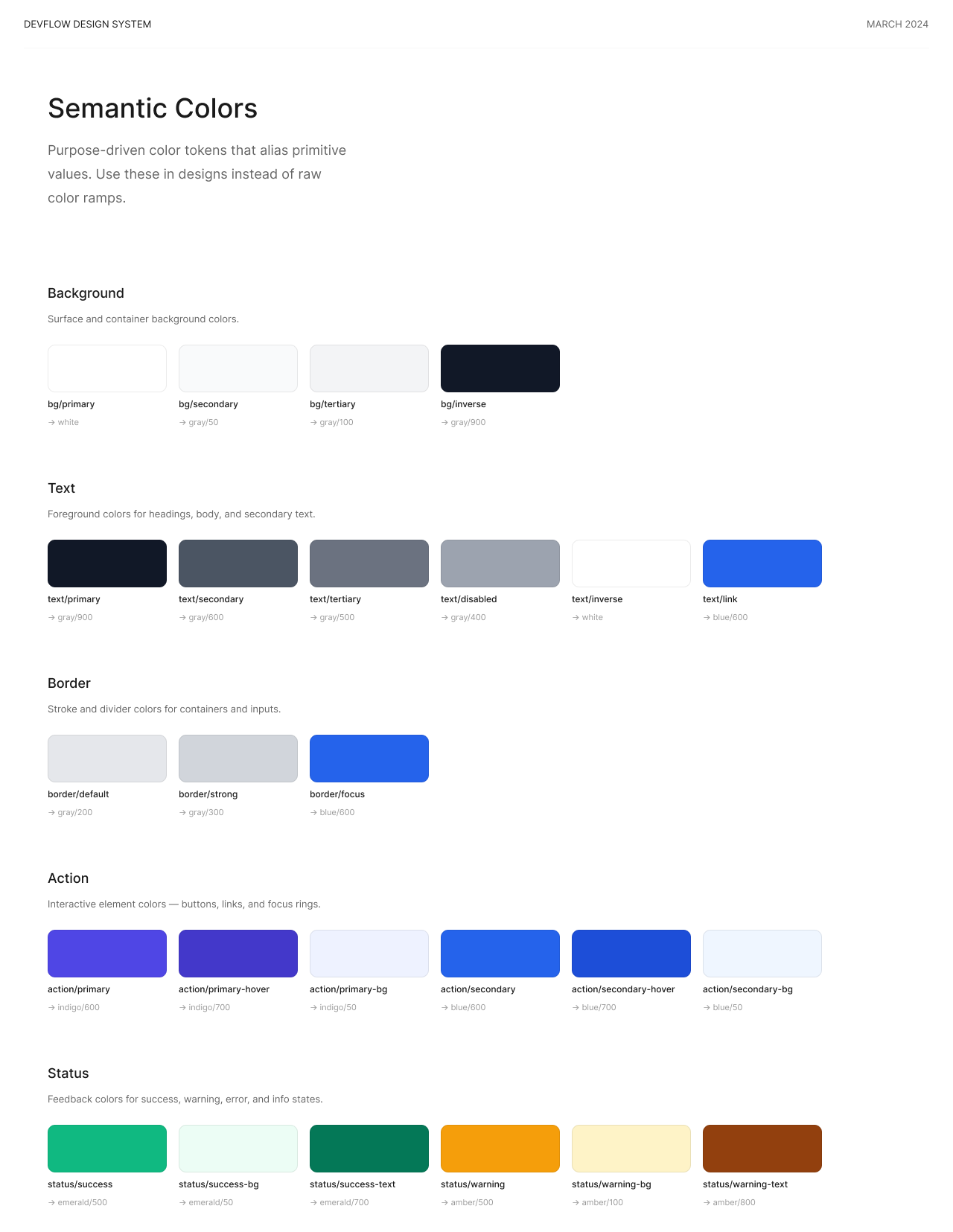
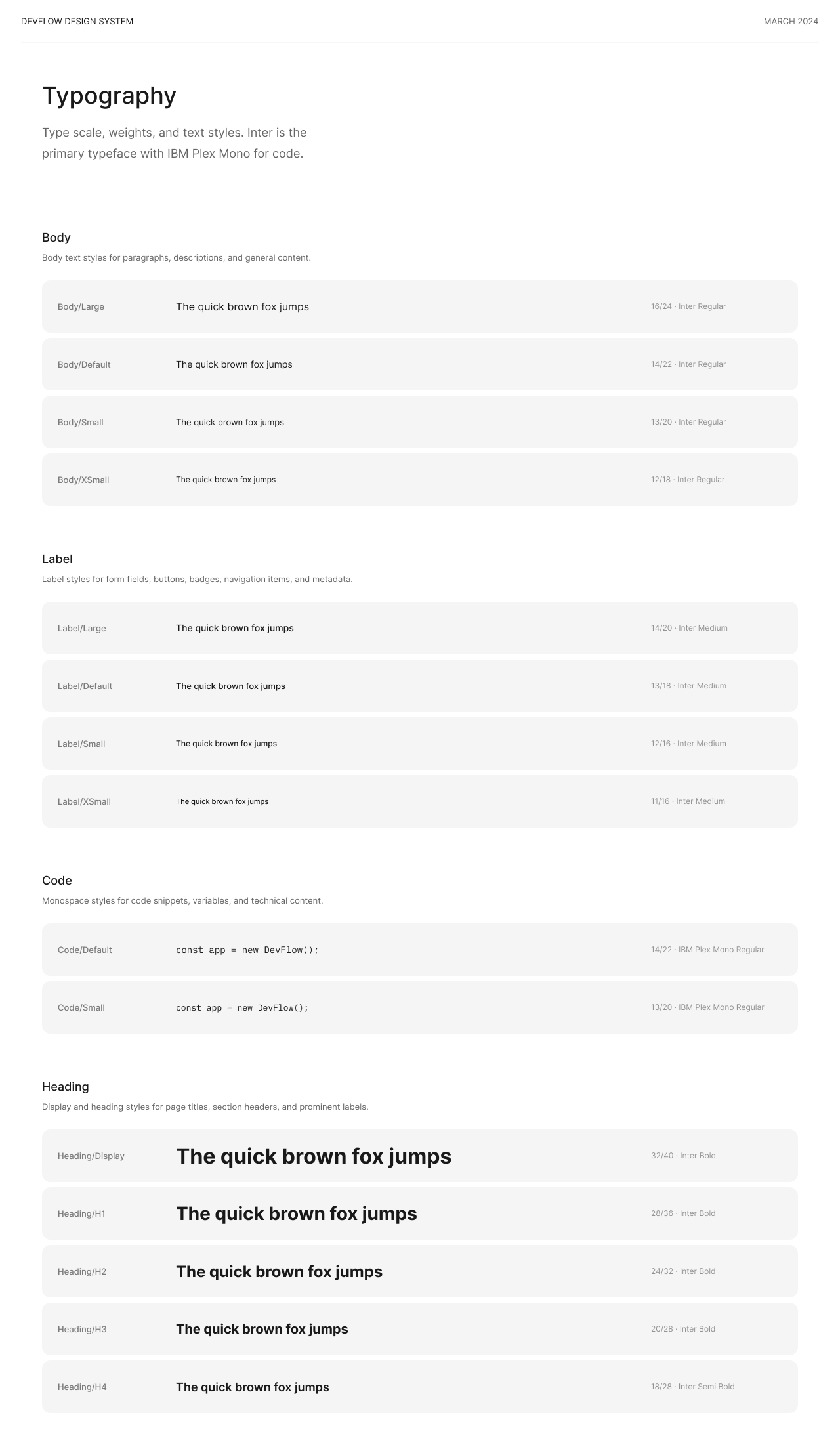
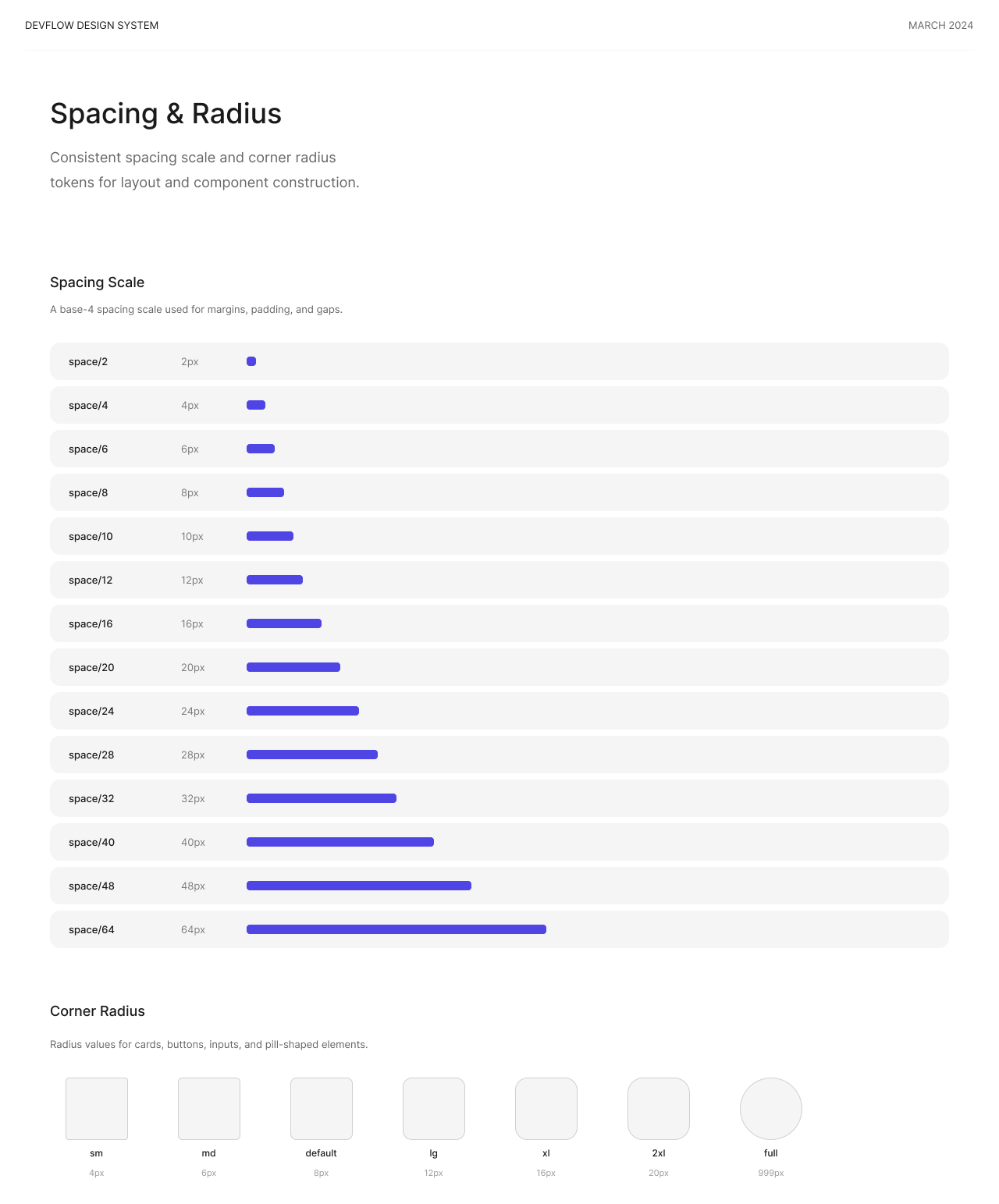
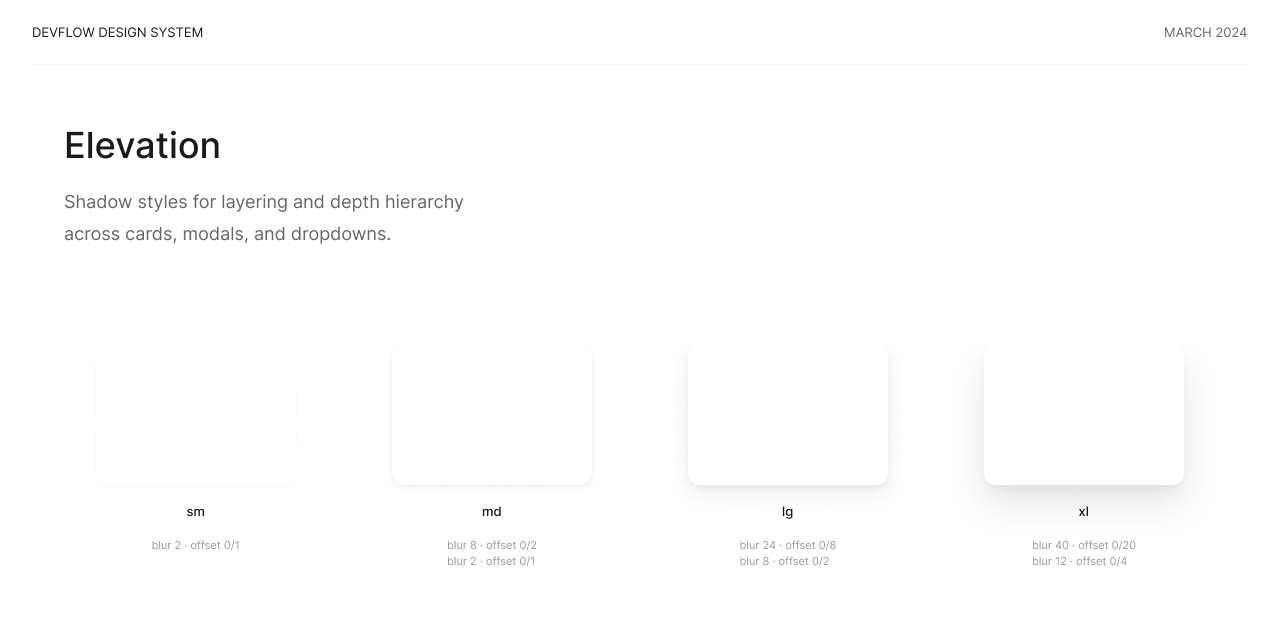
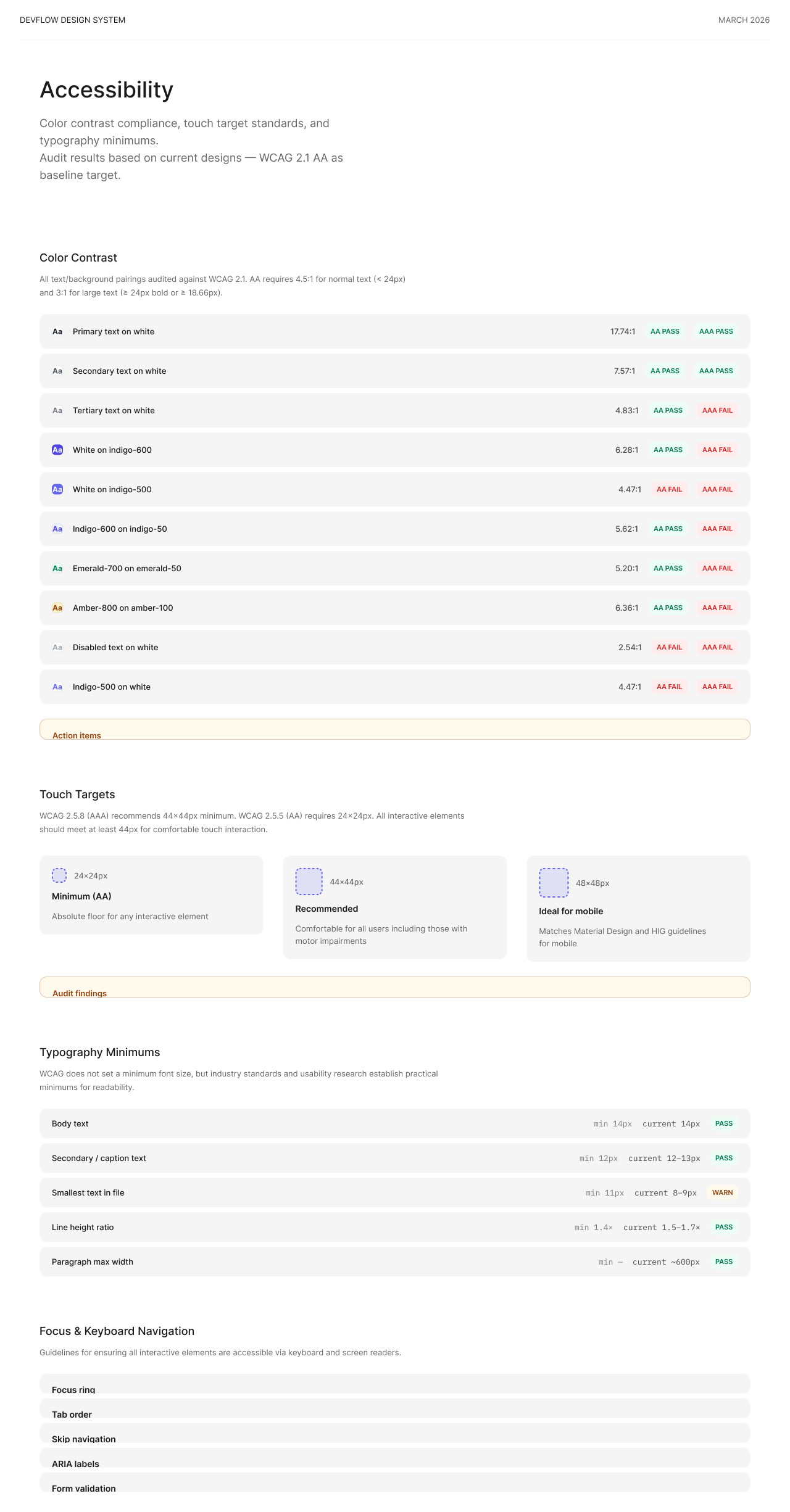
The feature was supported by a structured visual system covering colour, semantics, typography, spacing, radius, elevation and accessibility.
01
02
03
04
05
06
THE OUTCOME
The final design translated familiar question-and-answer behaviours into an experience designed around Apple’s wider collaboration platform, supporting everyday users as well as more advanced moderation and management needs.
The completed work covered the feature architecture, user journeys, core product flows supporting touchpoints, detailed interface design, interactive prototypes and a structured design system.